 GRIDCONNECT · UNITED KINGDOM
Solar or a battery for my home
Add your address, contact details and the installation information you already have.
Start a home project →Planning solar panels, battery storage or a commercial installation? Bring your project to Vishtik. We help you organise the information and navigate the DNO application process.
Sign in with Google. Start with what you know and save your progress.
Your DNO is the company that runs your local electricity network. Network approval remains its decision.
You do not need to know whether you need G98, G99 or G100. Start with your project; the team reviews the technical route.
Add your address, contact details and the installation information you already have.
Start a home project →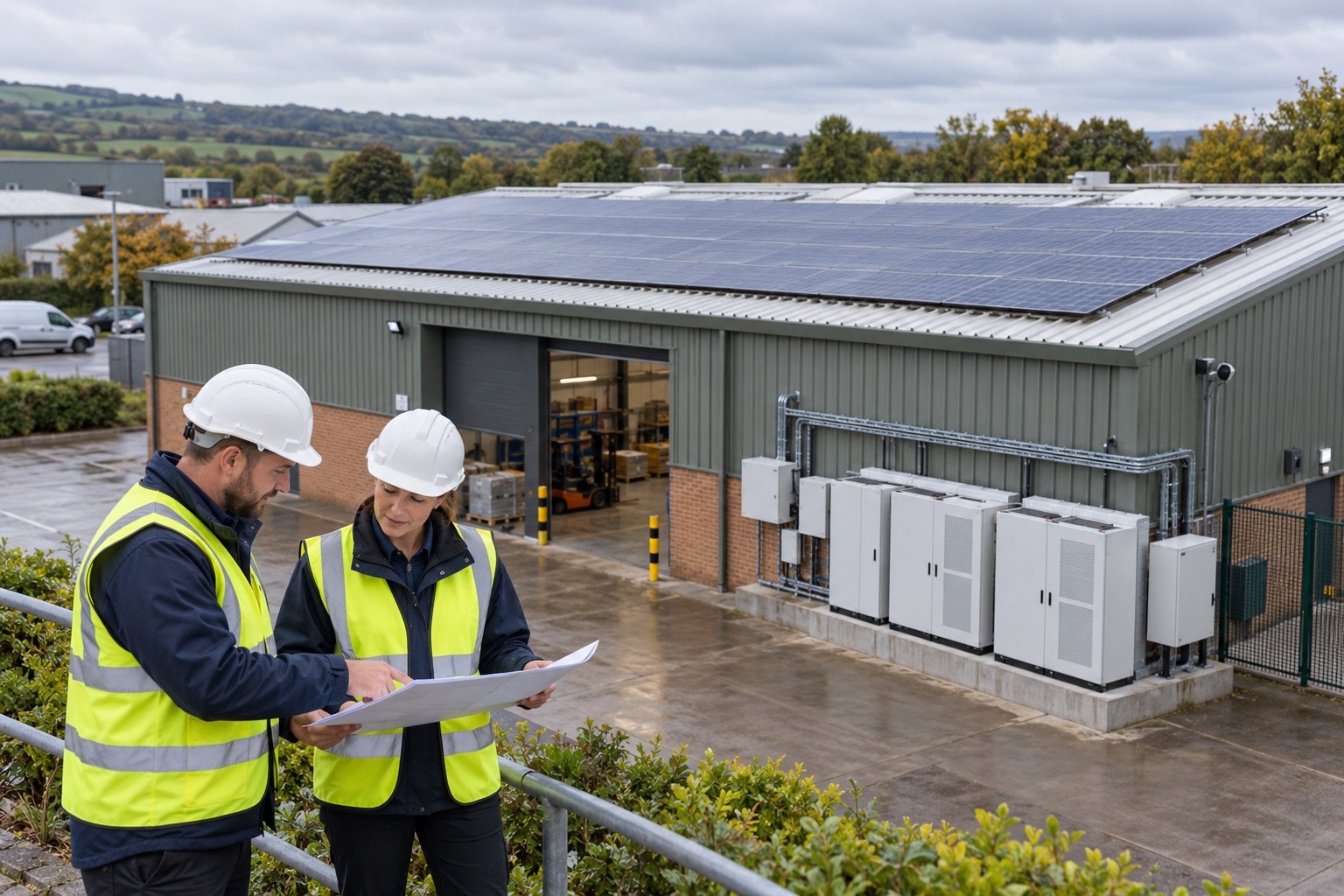
Bring your site and project plans together. Add technical documents when they are ready.
Start a business project →
Introduce your installation business, prepare applications and keep each customer site organised.
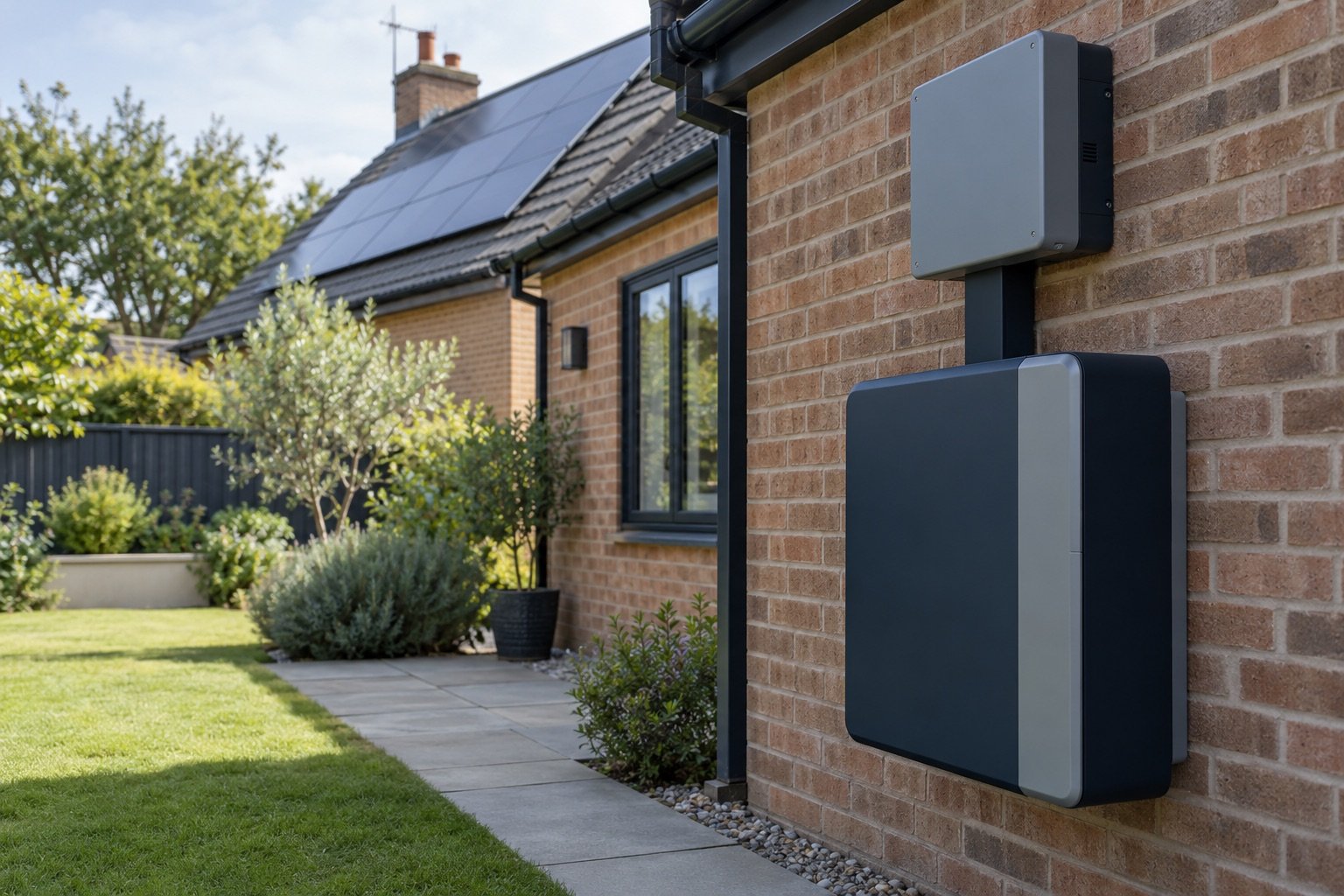
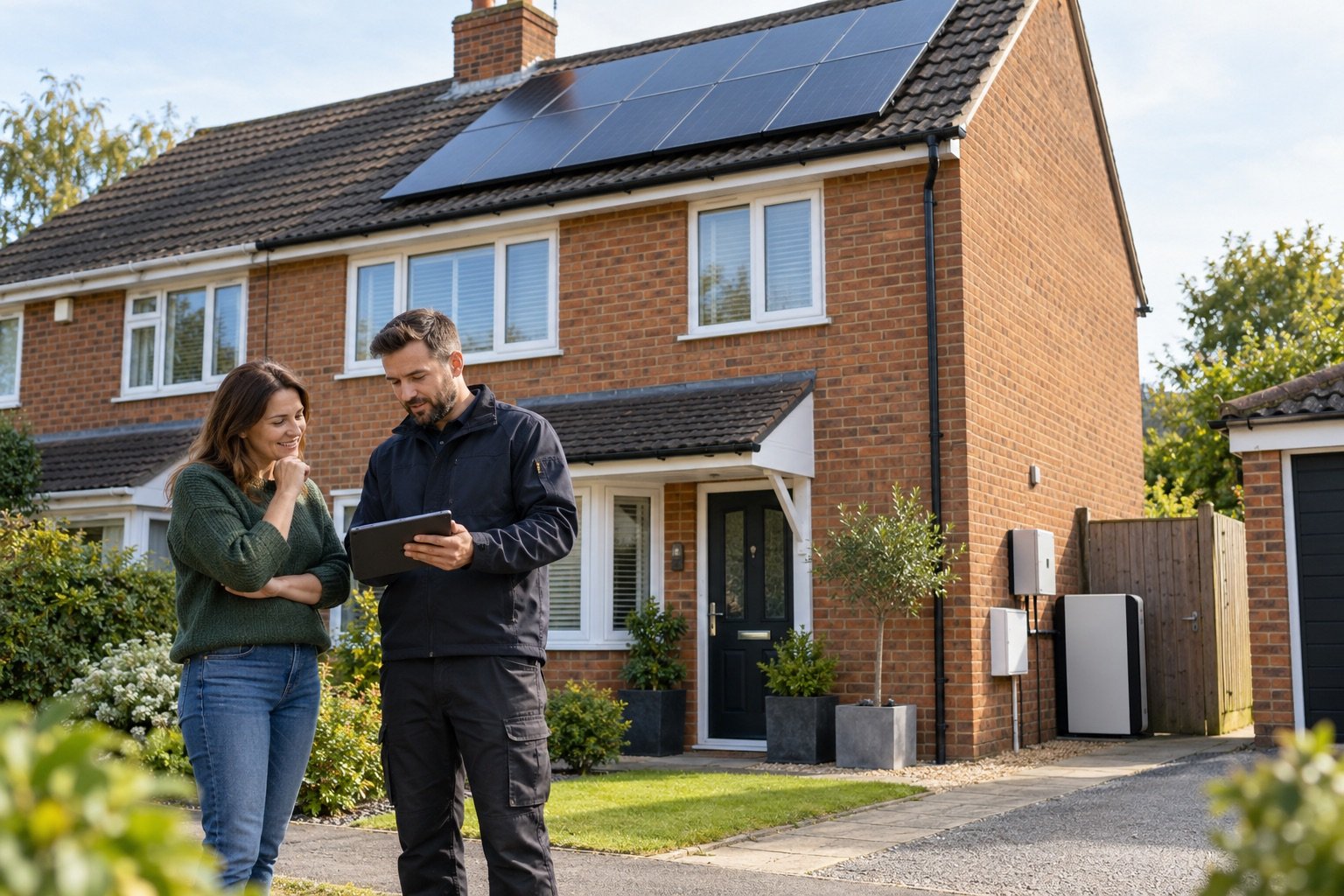
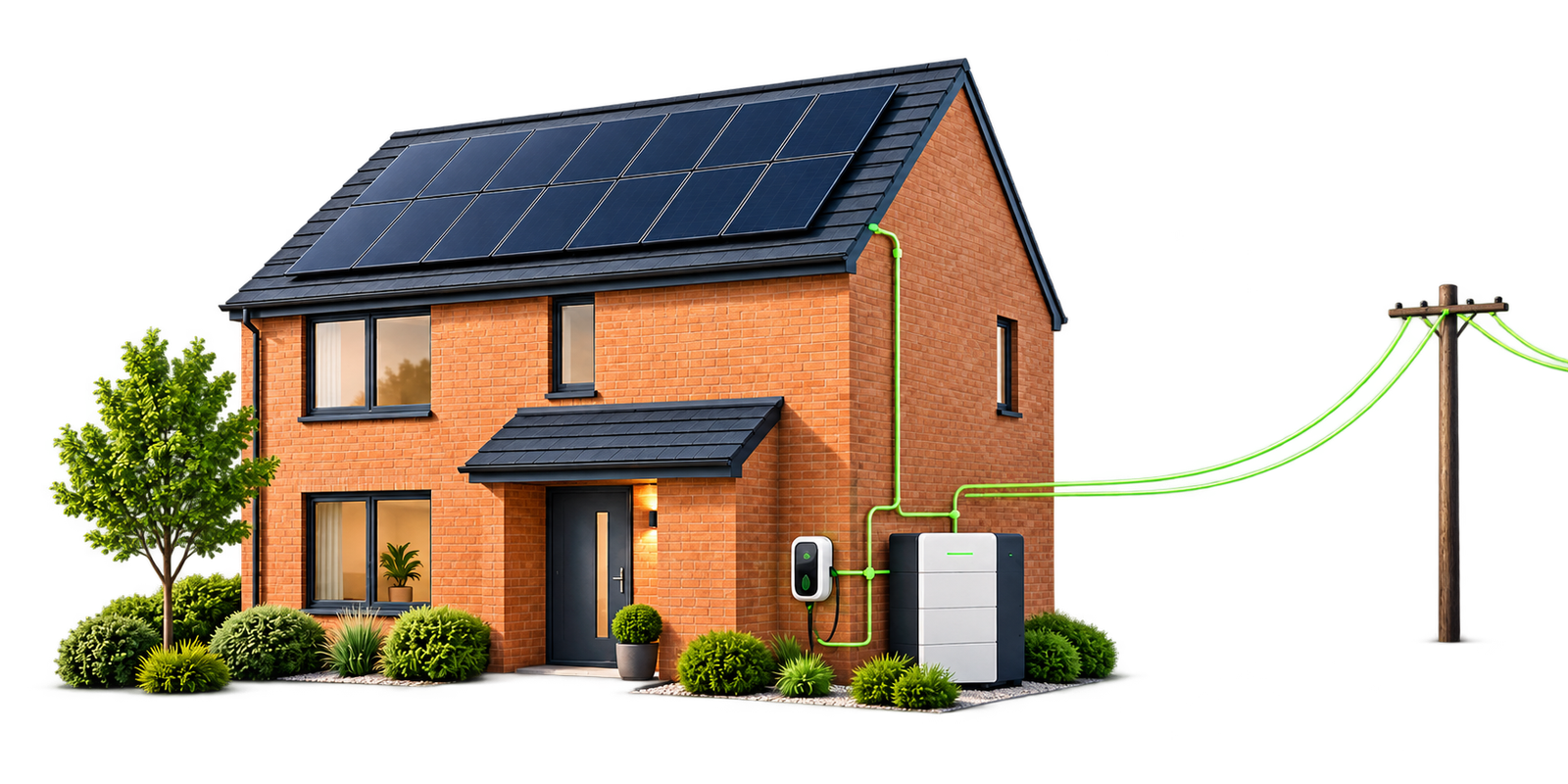
Start as an installer →Images illustrate project types and do not depict verified Vishtik customer installations.
Explore G98, G99, G100, battery and commercial support—or let us help you choose.
These options start an enquiry to Vishtik. The applicable route is confirmed during technical review.
Tell us about the installation and available equipment evidence. The applicable route needs technical confirmation.
Bring the site, generation, export and equipment information together for a structured application enquiry.
Discuss the proposed export limitation arrangement, scheme documentation and supporting technical evidence.
Describe the storage topology, existing generation and proposed export so the technical questions are clear.
Start with project scale, site details and known constraints. Add detailed evidence within the portal later.
You do not need to know the regulation name before contacting us. Tell us what you are planning.
Start without a complete technical pack. Unknown details can be completed with the team.
Continue with Google, choose your role and add a few profile details. No new password or activation link.
Add the site and what you plan to install. Save a draft and return later; supporting documents can follow.
The team reviews your information, confirms scope and any quotation, and records questions and next actions in your case.
Sending your case to Vishtik does not submit it to a DNO. Network submission follows the required team and technical checks.
You are starting a case with Vishtik. The team confirms the support and any quotation before paid work proceeds.
Technical review and DNO submission remain controlled team actions. Creating an account does not mean network approval.
Equipment models, generation and export values, site plans, single-line diagrams and supporting certificates can be completed when available. The precise evidence needed depends on technical review.
Not ready to open a workspace? Ask about your project first →
A Distribution Network Operator runs the local electricity network. Your project information helps the team identify the relevant network and prepare the next steps.
No. You can choose “Help me choose” and provide your site and project details. The technical route and network operator need confirmation during review.
No. This is an initial enquiry to Vishtik. Any application work, scope and submission require separate confirmation and the relevant technical evidence.
The portal supports company onboarding and multiple cases. Installer accounts see their own company's authorised records; engineers work on assigned cases.
Not in the public enquiry form. Create a workspace with Google to upload documents to your saved application.
Your enquiry is recorded for the operations team to review. You can create your workspace with Google while the team confirms scope and next steps. No response time or approval outcome is guaranteed here.
No. Scope and any quotation are confirmed separately. This page does not collect payments or issue invoices.
Send a short enquiry without creating an account. You can start an application whenever you are ready.
Continue company onboarding, manage applications and follow case updates in your workspace.
Open your portal ↗Use only contact and project information you are authorised to share. This initial enquiry does not request passwords, payment details or document uploads.
We use these details to review and respond to your enquiry. No marketing subscription is included. Enquiry privacy information.